Content Generation Tool (CGT)
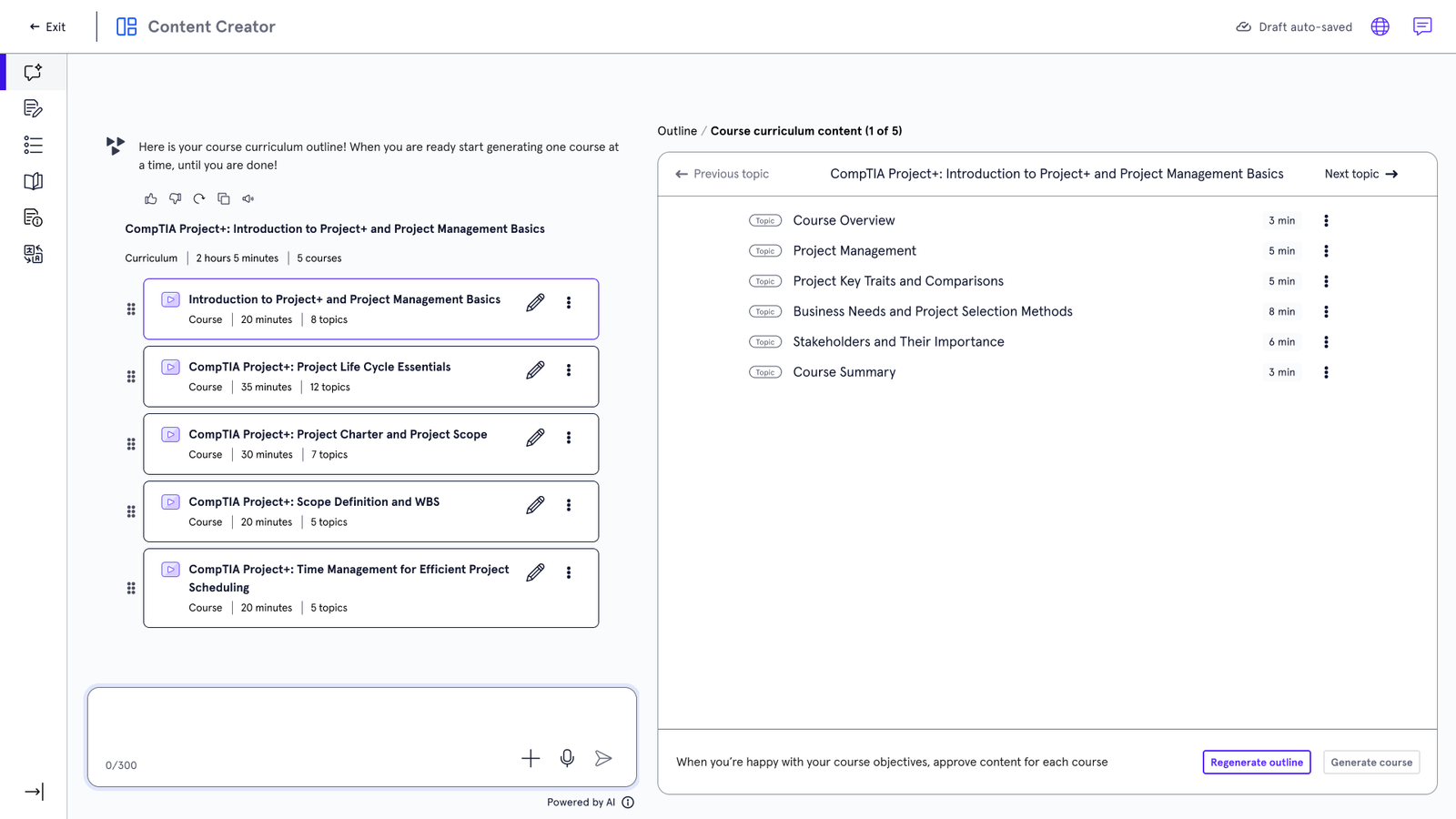
Scaling course creation from 3 months to days through an AI-assisted, human-in-the-loop content generation system for internal teams.
Overview
Role: Lead Product Designer (for the internal teams)
Timeline: 2025
Tools: Research (interviews/surveys/observations/competitor overview), Figma, Skillsoft design system.
Deliverables: Design ready flow for internal teams.
The Challenge & The Solution
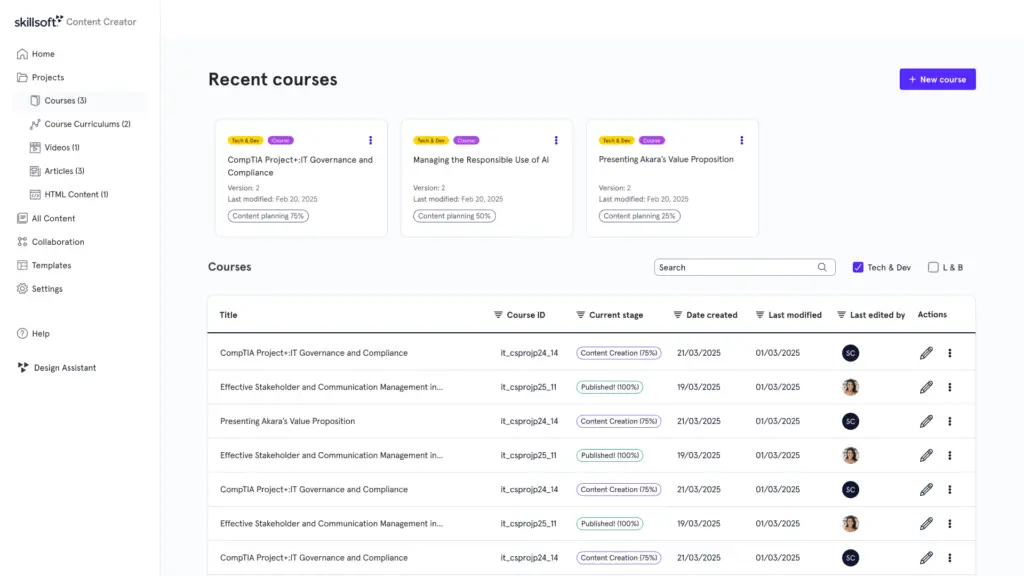
The Problem: Manual processes and tool-switching created friction. At Skillsoft, instructional designers (IDs) faced a massive bottleneck. Creating a single course took up to 3 months due to a manual, highly fragmented workflow. Designers had to jump between multiple siloed tools, leading to high cognitive load and a slow “time-to-market” for critical educational content.
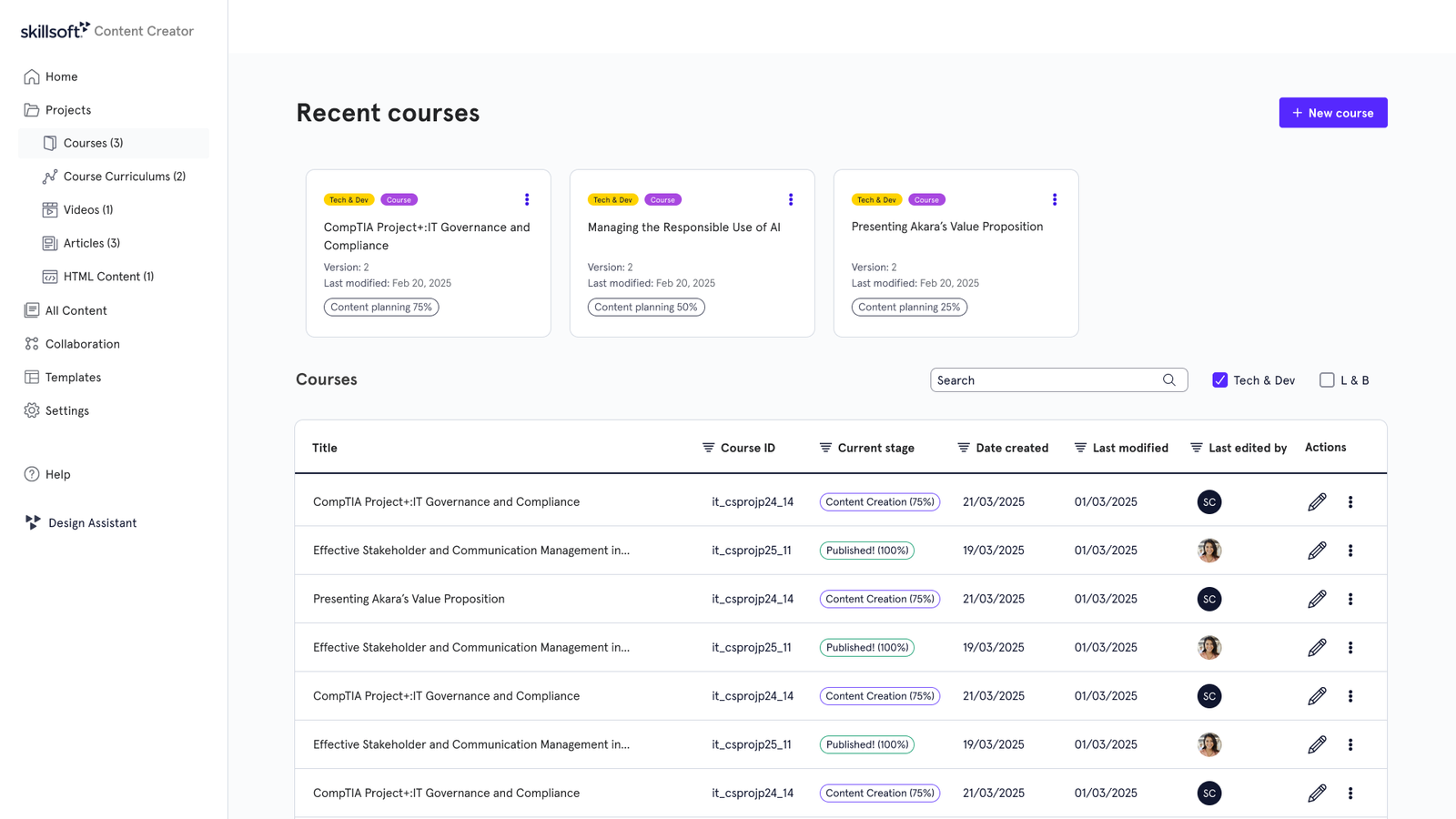
The Solution: A content generation tool designed to create courses end-to-end using a structured instructional design framework. It was later adapted into a customer-facing product with a simplified experience.
The Discovery
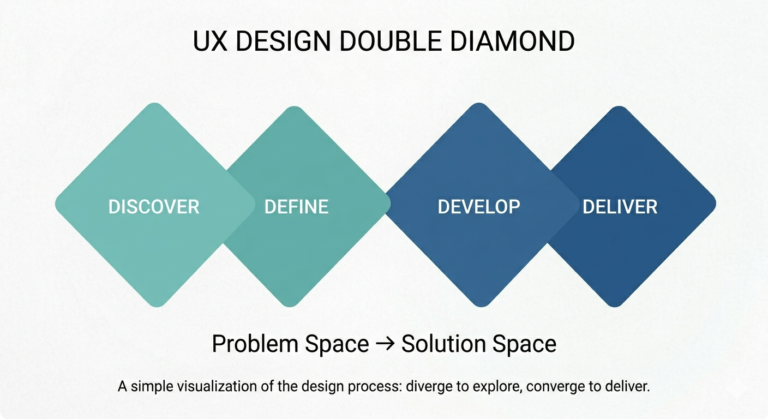
Insights from the Field: I led the UX exploration, conducting deep-dive research with instructional designers to understand the workflow and the requirements. How they are currently working and which tools are being used. The hand-off points, as multiple teams are involved in the creation of the course.
User Personas:
The Instructional Designer: Creates outline, script, checks for overlaps, ensures the quality is up to standard.
Content Production Teams: Wants to know when they can get started and when the full script is complete.
The Solution
A Hybrid, AI-Powered part of a new platform ecosystem
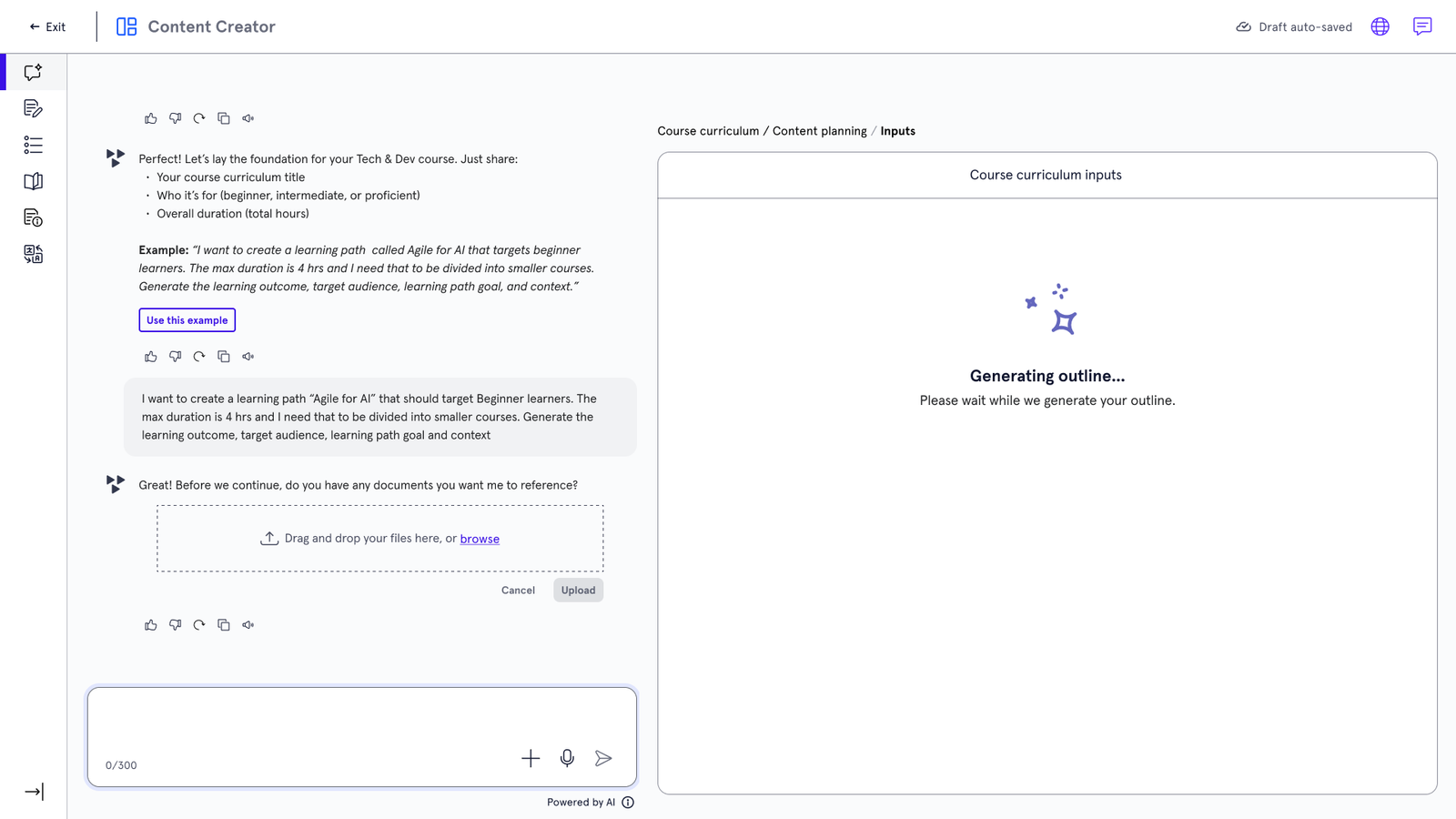
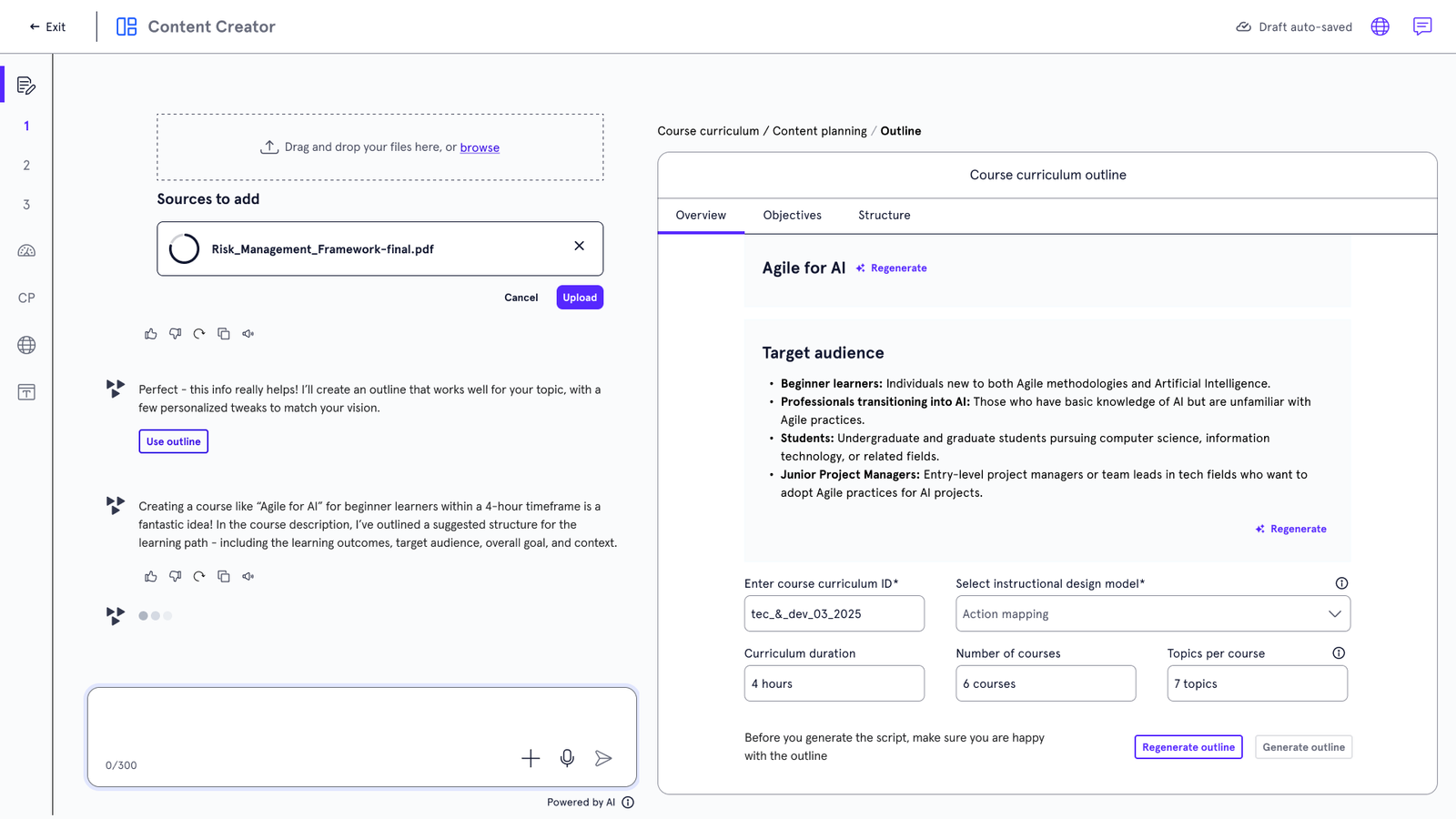
Key Decision 1: Combined conversational AI-driven course creation process with the flexibility to switch to manual controls, enabling both speed and granular control for Instructional Designer. Instead of full automation (which users didn’t fully trust), I designed a hybrid workflow. AI generates the initial scaffolding (outlines, learning objectives, and draft content), while designers retain manual controls to refine and validate.
Result: Balanced efficiency with expert control.
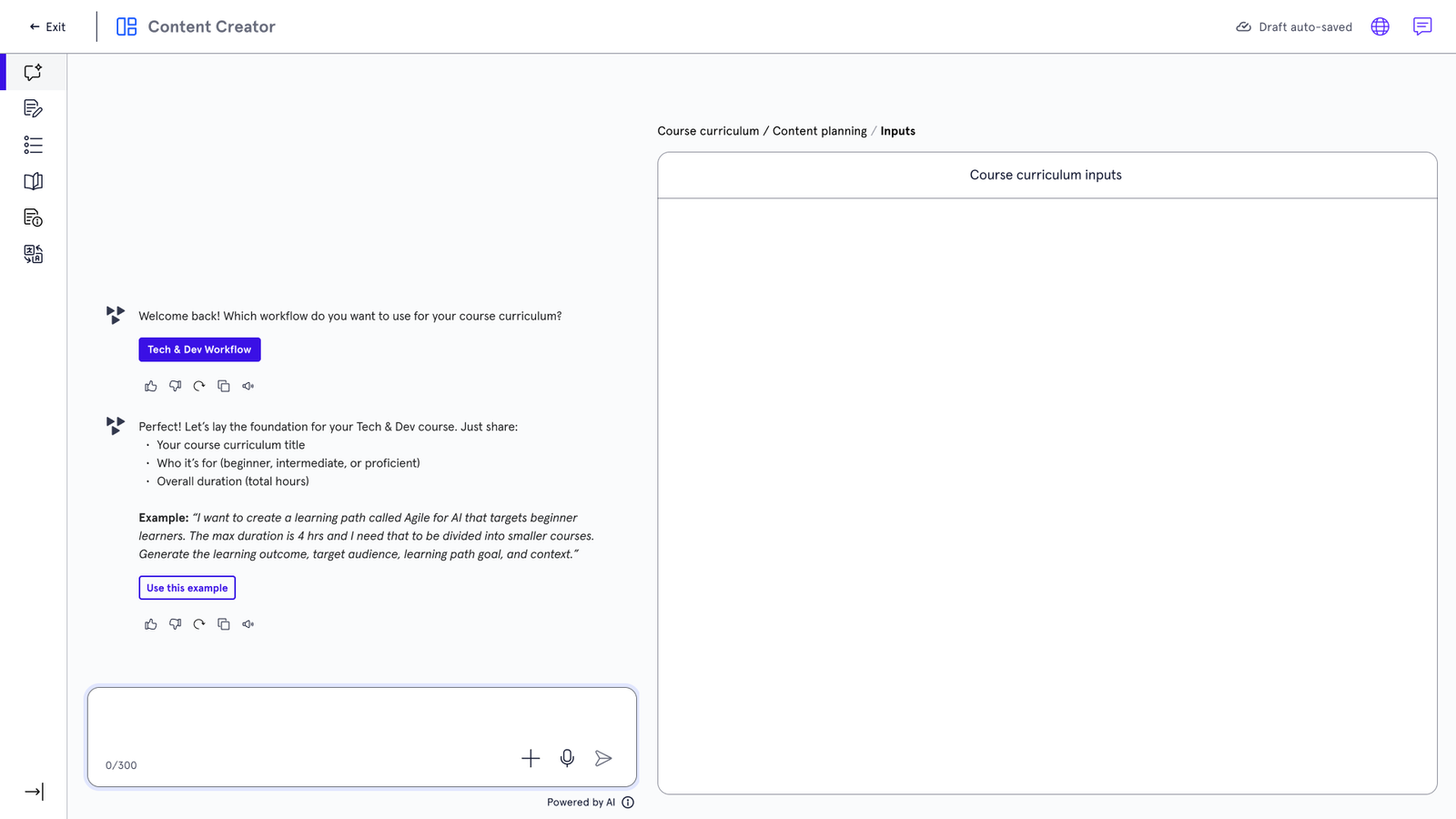
Key Decision 2: Workflow-Based Conversation Starter. To guide users into the appropriate flow, the experience begins by asking which workflow they are using. Given the wide variety of course types at Skillsoft, this allows the system to tailor structure and guidance to the user’s specific needs.
Result: Structured course, minimised time to edit and refine.
Key Decision 3: Once the Instructional Designer finalised the script, I introduced a workflow that allowed them to invite the content production team (video, audio, graphics) to begin their work in parallel, rather than waiting for full completion.
At the same time, the Instructional Designer could continue with tasks such as accessibility checks, grammar refinement, and assessment creation.
Results: This reduced idle time between teams, improved collaboration, and significantly accelerated the overall course production process.

The Impact
Months → A Few Days
The transformation was drastic. By centralizing the workflow and layering in AI assistance, we achieved:
Massive Time Savings: Course production time dropped from ~ 90 days to under a week.
Scalability: Enabled the team to produce 10x more content with the same resources.
Ecosystem Integration: The tool became the foundation for Skillsoft’s broader AI-native initiative.
Reflection & Trade-offs
Given the need for speed, I prioritised guided workflows for most users over complete flexibility for power users, helping reduce friction and accelerate time to first meaningful interaction.
Next steps: I would introduce tracking around AI usage and overrides to better understand trust gaps and optimise the underlying models over time.
As the product evolved, the prototype was handed over to the customer-facing UX team to further refine and scale the experience.
I worked to ensure the underlying workflows and design decisions could support both internal and external user groups, aligning the foundation with the broader product ecosystem.